
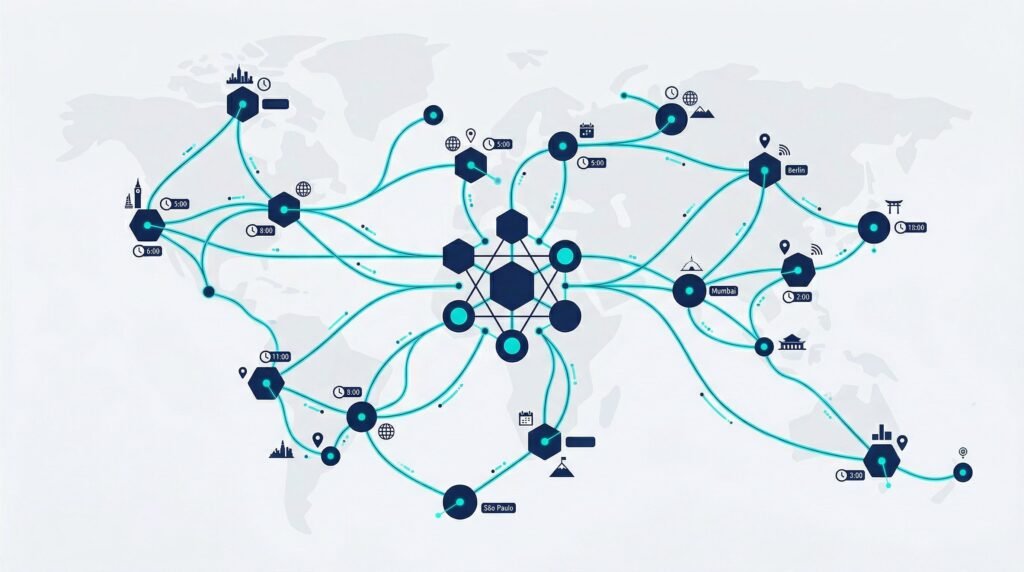
Your Salesforce admin is in Austin. Your developer works from a home office in Portland. The consultant you brought in for the CPQ build is in Lisbon. And the business analyst who translates stakeholder requirements into user stories calls in from Chicago. They are all good at their jobs. The question is whether your remote salesforce team operates like a coordinated unit — or like four independent contractors who happen to share a Slack workspace.
Salesforce is a cloud platform, so the technology works from anywhere. The people, however, need more than a login and a Wi-Fi connection. Managing a remote salesforce team effectively requires intentional structure around communication, tooling, process, and culture — the things that happen automatically in an office but disappear the moment everyone logs in from different zip codes. This guide covers what actually works.
Why Remote Salesforce Teams Need Their Own Playbook
Generic remote work advice — “use Slack” and “have a daily standup” — misses the specific challenges that Salesforce teams face. Your team works inside a shared environment where a misconfigured automation can break a sales process for 200 users, where deployments need coordination between sandboxes and production, and where the consequences of a bad data migration are measured in lost revenue, not just lost time.
As Salesforce’s own research on remote teams highlights, team members who feel less supported in workplaces rated their mental health at 46%, compared to 76% for those who feel well-supported. In a distributed Salesforce team, “support” means more than check-in calls — it means clear processes for code reviews, deployment schedules, change management communication, and shared documentation that anyone can pick up without a 30-minute context-setting call.
Communication: The Foundation Everything Else Sits On
Anywhere between 70% and 93% of communication is nonverbal. When your team cannot see each other, the margin for misunderstanding grows dramatically. According to CloudTalk’s 2026 remote management guide, establishing communication protocols is the single most impactful action a manager can take.
Define Channel Rules
Your remote salesforce team needs to know which tool to use for what — and the rules need to be explicit, not assumed:
- Slack or Teams: Day-to-day questions, quick coordination, non-urgent updates. Organize by topic — a channel for deployments, one for support tickets, one for general discussion.
- Video calls: Anything requiring nuance, decision-making, or brainstorming. Default to camera on — it builds trust faster than voice-only calls.
- Email: External communication and formal documentation only. Internal email between Salesforce team members should be close to zero.
- Jira, Asana, or project board: All task assignments, status updates, and sprint tracking. If it is not in the board, it does not exist.
Embrace Async by Default
If your team spans two or more time zones, synchronous communication becomes a constraint rather than a benefit. Build async-first habits: written briefs instead of status meetings, recorded Loom walkthroughs instead of live demos, and clear response-time expectations. Reserve synchronous meetings for decisions, not updates.
The Salesforce-Specific Tool Stack
Every remote team needs communication and project management tools. A remote salesforce team also needs platform-specific tooling that supports distributed development, deployment, and administration:
| Category | Recommended Tools | Why It Matters for Remote Teams |
|---|---|---|
| Source Control | GitHub, GitLab, Bitbucket | Version control prevents conflicting changes when multiple developers work in the same org |
| DevOps / CI-CD | Gearset, Copado, Flosum | Automated deployments reduce manual errors and eliminate the need for “deployment meetings” |
| Sandbox Management | Salesforce DevOps Center, Prodly | Clear sandbox ownership prevents developers from overwriting each other’s work |
| Documentation | Confluence, Notion, Quip | Living documentation reduces the “only one person knows how this works” risk |
| Communication | Slack, Microsoft Teams, Zoom | Structured channels keep conversations findable and reduce context-switching |
| Task Management | Jira, Asana, Monday.com | Visibility into who is working on what eliminates duplicate effort and missed handoffs |
The tool stack matters less than consistency. Pick one tool per category, get everyone on it, and enforce usage. For guidance on what skills to look for when building the team itself, see our article on how to structure your Salesforce team.
Processes That Keep Remote Salesforce Teams Aligned
Tools enable process. Process creates predictability. And predictability is what allows a remote salesforce team to operate at the same level as a co-located one.
Deployment Process
Deployments are where remote teams break if they do not have a clear process. Establish a deployment cadence — weekly or biweekly — with a defined workflow: develop in sandbox, create pull request, peer review, merge, test in staging, deploy to production. Every deployment should have a rollback plan. No one deploys to production without at least one other person reviewing the change.
Change Management Communication
When your admin pushes a change to 200 users and the team that supports those users did not know it was coming, you have a communication failure — not a technical one. Build a change log that is updated with every production deployment, and share it with stakeholders before changes go live.
Documentation as a Team Habit
In a co-located office, institutional knowledge lives in people’s heads — and that is risky enough. In a remote team, undocumented knowledge is a single point of failure. Make documentation a deliverable, not an afterthought. Every automation should have a description. Every integration should have a one-page overview. Every decision about “why we built it this way” should be written down.
Building Culture Without a Physical Office
Culture in a remote salesforce team does not happen by accident. It requires deliberate, repeated investments in connection.
- Weekly team syncs with human time. Start each weekly standup with five minutes of non-work conversation. It prevents meetings from becoming purely transactional.
- Recognition rituals. Create a “#kudos” Slack channel where anyone can recognize a teammate’s contribution. For more on this, see our guide on retaining Salesforce talent.
- Learning together. Dedicate one meeting per month to a skill share — a 20-minute demo where someone walks through a complex Flow they built or an Agentforce use case they are exploring.
- Annual or semi-annual in-person gatherings. Nothing replaces face-to-face time for building deep trust. Even one or two in-person offsites per year create relationship capital that carries the team through months of remote work.
A Mini Case: The Distributed Team That Outperformed the Office
A Series C SaaS company had been running a three-person Salesforce team out of their San Francisco headquarters. When their senior developer left for a remote role and their admin relocated to Denver, the VP of Operations faced a choice: hire locally to rebuild the co-located team, or go fully remote.
She chose remote — and invested the cost savings from not backfilling a Bay Area salary into tooling and process. The team adopted Gearset for automated deployments, set up a structured Jira workflow with weekly sprints, and moved all documentation to Confluence. They hired a new developer in Austin and a fractional consultant who contributed 15 hours a week from Philadelphia for architecture reviews.
Six months in, their deployment frequency doubled from biweekly to weekly, their production incident rate dropped by 40%, and their team satisfaction scores were higher than when the team was co-located. The difference was not the talent. It was the structure. The remote model forced them to document everything, formalize their deployment process, and communicate more deliberately than they ever had in the office.
Common Mistakes When Managing Remote Salesforce Teams
- Monitoring hours instead of outcomes. Tracking when people log in and out signals distrust. Track deliverables, sprint velocity, and issue resolution time instead. According to AIHR’s remote engagement research, companies that foster autonomy see higher motivation, engagement, and lower turnover.
- Over-meeting. A calendar full of synchronous meetings destroys the deep work time that developers and admins need. Protect at least three blocks of uninterrupted time per week for every team member.
- Skipping one-on-ones. In a remote setting, one-on-ones are how you detect disengagement and career frustration before they become resignations. Schedule them weekly.
- Treating documentation as someone else’s job. If only one person documents, only one person’s knowledge is captured. Make documentation part of the definition of “done” for every task.
Making Remote Work for Your Salesforce Team
Managing a remote salesforce team is not harder than managing a co-located one — it is different. The teams that thrive remotely invest in clear communication protocols, platform-specific tooling, documented processes, and deliberate culture-building. The ones that struggle assume proximity was doing work that actually needed to be done by process.
Start with the tool stack and communication rules. Build your deployment and documentation processes. Then invest in the human side — recognition, learning, and face time. The result is a team that is not just functional, but genuinely high-performing — regardless of where they sit.
Need help finding remote-ready Salesforce talent? Explore our recruiting services or get in touch to discuss your team-building needs.
Frequently Asked Questions
What tools do remote Salesforce teams need?
A remote salesforce team needs tools across six categories: source control (GitHub or GitLab), DevOps and CI/CD (Gearset, Copado, or Flosum), sandbox management, documentation (Confluence or Notion), communication (Slack or Teams), and task management (Jira or Asana). The specific tools matter less than consistency — pick one per category and enforce adoption across the entire team.
How do you manage Salesforce deployments with a remote team?
Establish a defined deployment cadence — weekly or biweekly — with a structured workflow: develop in sandbox, create a pull request, get at least one peer review, test in staging, then deploy to production. Use a CI/CD tool to automate the deployment pipeline and reduce manual errors. Every deployment should have a rollback plan and a change log shared with stakeholders before changes go live.
How do you keep a remote Salesforce team engaged?
Build engagement through deliberate culture investments: start weekly syncs with non-work conversation, create a recognition channel in Slack, host monthly skill-share sessions, and plan at least one in-person gathering per year. Track engagement through quarterly pulse surveys and address issues proactively. For long-term retention strategies, see our guide on how to retain your best Salesforce talent.